Smart Devices That Can Improve Your Daily Routine

Discover smart devices that simplify your daily routine, from smart climate control and video doorbells to robot cleaners and dash cams. Learn how to choose useful gadgets, check compatibility, and protect your privacy.
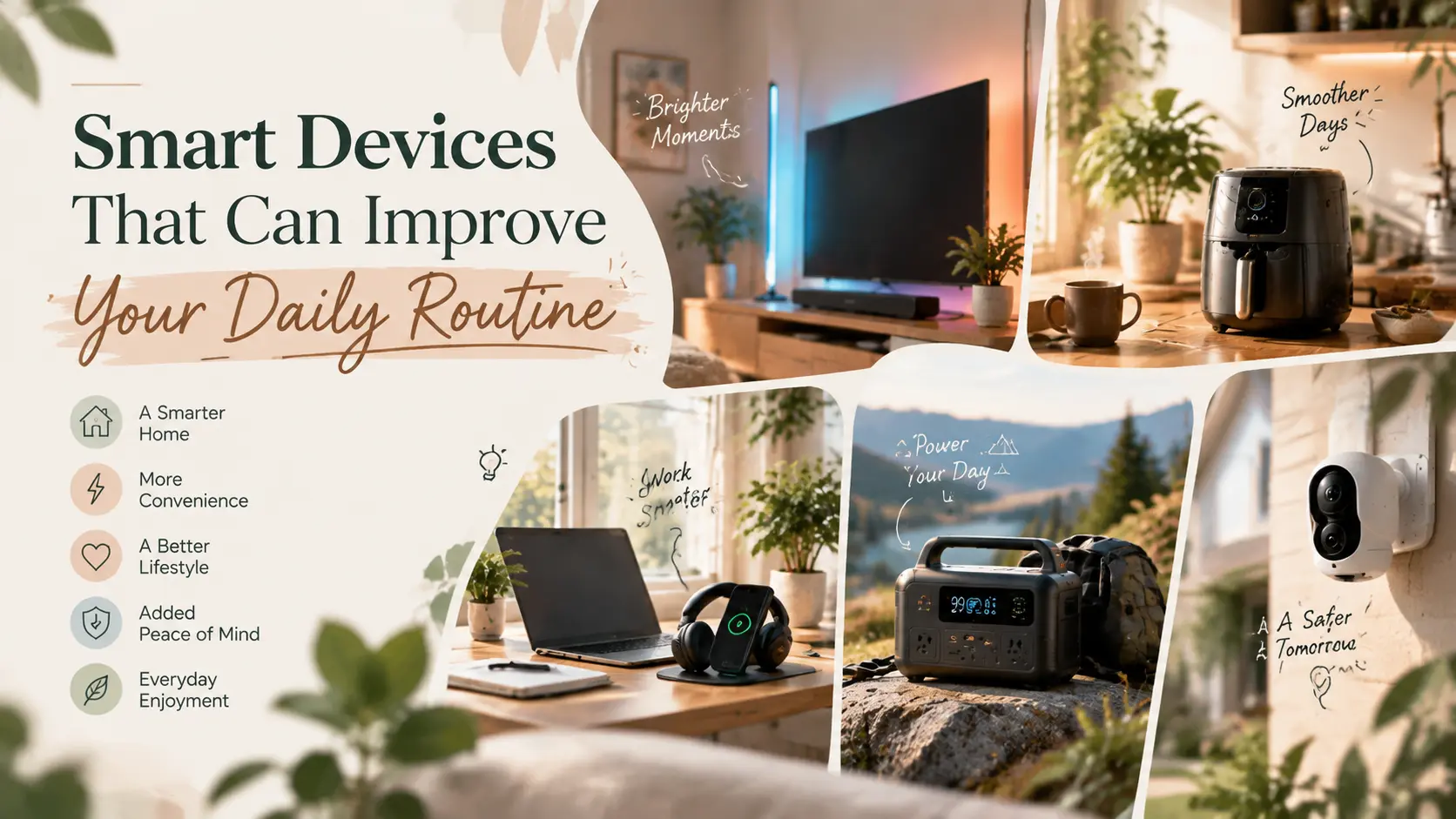
Most people don’t want a house full of gadgets. They want fewer small interruptions: a room that’s already comfortable when they walk in, a quick look at who’s at the door without getting up, a floor that gets cleaned while they’re out. A smart device is worth buying only if it removes one of those recurring frictions, and plenty of them don’t.
This guide sorts smart devices by the part of the day they help with. It also covers how to judge whether a device will earn its place, and which setup and privacy details decide whether it still feels useful six months later.
Affiliate Disclosure: Some links in this article are affiliate links. If you purchase through these links, WeekendSmash may earn a commission at no additional cost to you.
At a Glance
- Start with one repeated annoyance, not a shopping list.
- Devices that run on a schedule or trigger automatically (climate control, cleaning, doorbells) are the easiest to justify.
- Check app quality, update support, and ecosystem compatibility before you compare prices.
- Secure every device the day you install it.
What Makes a Smart Device Worth Having in Your Routine?
Quick answer: A smart device earns its place when it handles a task you repeat often, works without you opening an app every time, and still behaves sensibly when the internet drops.
Four questions help separate useful devices from novelties:
- Does it replace a task or add one? A thermostat that follows a schedule removes work. A gadget that needs daily fiddling adds it.
- Can it run automatically? Schedules, location triggers, and motion alerts are where most of the value sits.
- What happens offline? Good devices keep their basic function, such as cooling a room or ringing a doorbell, if Wi-Fi fails.
- How long will it be supported? In the UK, manufacturers of consumer smart devices must state the minimum period they will provide security updates and must not ship devices with default passwords. Elsewhere, look for the same information on the product page. NCSC
Smart Devices That Fit Each Part of the Day
Mornings: Comfort That Is Ready Before You Are
Heating and cooling are among the most repeated manual tasks in a home, which makes them a natural fit for scheduling. Rather than adjusting a unit by hand each day, you set a plan once and let it run.
Della sells mini-split, central, portable, and window air conditioners, plus a tower fan and a pool heat pump. Its Della+ app is described on the brand’s site as letting you control a system remotely, set schedules or timers, and switch units on or off automatically using your phone’s location. Mini splits are ductless, so they suit room-by-room control in places like bedrooms, garages, and home offices.
A few practical notes before you buy:
- Sizing matters. Della publishes a mini-split sizing calculator, and an undersized or oversized unit will frustrate you regardless of the app.
- Installation varies by type. Della’s own comparison lists wall-mounted units as suitable for professional or experienced DIY installation, while central AC and ceiling cassettes are professional-only.
- Confirm the app on your exact model. The homepage doesn’t specify which units support app control, so check the individual product page.
- Check local rules. Della’s site is geared toward the U.S. market, with rebate and tax-credit pages, so availability and incentives depend on where you live.
If a smart climate system is on your list, explore Della’s mini-split systems and use the sizing calculator before comparing models.
Leaving and Coming Home: Doorbells and Cameras
The moment you leave or arrive is where small worries pile up: who’s at the door, whether the back garden is quiet, whether the baby or the dog is okay. A video doorbell and a few cameras cover those checks without constant trips to the window.
Botslab makes security and driving cameras, and its range shows how these devices are split by job:
- Video doorbells: Models such as the R810 SE (2K panoramic view) and R811S (5MP with radar detection) cover the front entrance.
- Outdoor cameras: The W510 system offers wire-free options for driveways, gardens, and back doors.
- Window camera: The W101 mounts indoors behind glass, which suits renters or anyone who doesn’t want hardware exposed to weather.
- Indoor cameras: The C212 is designed for general rooms, while the C224 is positioned for baby and pet monitoring.
Think through these points before you choose:
- Power: Battery-powered cameras are easier to place but need recharging. Wired or solar-assisted models trade flexibility for fewer chores.
- Storage and app features: Check whether video is stored locally or in the cloud, and what any ongoing fees cover.
- Field of view: A wide or panoramic view helps at an entrance where packages sit low or visitors approach from the side.
- Legal and courtesy limits: Rules on recording public areas, neighbours’ property, and audio differ by country and region. Check yours before aiming a camera past your boundary.
To compare options, see Botslab’s video doorbells and cameras. Hughes also lists video doorbells and home security cameras, which may suit UK shoppers who prefer a larger retailer.
During the Day: Cleaning and Laundry Without Supervision
Chores are where automation saves the most time, but also where expectations most often outrun reality.
A robot cleaner handles daily floor upkeep while you’re out. It works best on reasonably clear floors, so loose cables and cluttered rooms will limit it.
Smart appliances such as washing machines, tumble dryers, and fridge freezers usually add app-based status updates or remote start. Features differ widely by model, so read the specification, not just the “smart” label. You will still load and unload the machine yourself.
Hughes is a UK electrical retailer with physical stores and an online shop. Its range covers robot cleaners, smart washing machines, smart tumble dryers, and smart fridge freezers, and it publishes buying guides. If you want to compare models side by side, browse smart appliances and robot cleaners at Hughes.
Evenings: Sound, Screens, and Voice Control
Smart speakers handle timers, music, reminders, and, in many homes, control of other connected devices by voice. The deciding factor is the assistant they support, since that determines which of your other devices they can talk to.
Hughes lists smart speakers alongside soundbars and TVs, which makes it easy to compare smart speakers and home audio in one place.
On the Road: Your Commute Is Part of the Routine
A dash cam is the smart device for the part of the day spent in the car. Botslab’s G980H series, for instance, is described as offering GPS, voice control, and 24/7 parking protection, with multi-channel versions that add extra camera angles. The G300H Plus is a 4K option.
Consider these points:
- Parking mode needs constant power. That is why hardwire kits are sold alongside many dash cams.
- Storage: Check the memory card size and how the camera handles loop recording.
- Local rules: Windscreen mounting and recording laws vary by country, so check yours.
If you want to compare options, browse Botslab’s dash cams by number of channels and features.
Smart Device Comparison at a Glance
Setup effort ratings are editorial estimates and will vary by home.
How to Build a Smart Routine Without Overspending
- Pick one friction. Choose the single most repeated annoyance in your week and solve that first.
- Check compatibility. If you plan to mix brands, look for devices that support Matter, an IP-based standard from the Connectivity Standards Alliance meant to let products work across ecosystems such as Alexa, Apple, and Google. Support is not universal, so confirm it on each product page. DigiKey Forum
- Test your Wi-Fi where the device will live. A weak signal at the front door or in the garage is a common cause of unreliable cameras and doorbells.
- Live with one device for a few weeks. Adjust schedules and alerts before adding more.
- Automate sparingly. Every extra rule is something that can misfire. Keep only the ones you’d miss.
Privacy and Security Checklist for Smart Devices
Smart devices can be compromised like any internet-connected computer, and cameras are especially sensitive. UK guidance suggests a few habits that apply anywhere:
- Change default passwords on setup and use a strong, unique one. Enable two-factor authentication where it is offered. GOV.UK
- Install updates promptly and turn on automatic updates if available. NCSC
- Turn off remote viewing for cameras you don’t need to check away from home.
- Review app permissions and delete accounts for devices you no longer use.
- Factory reset a device if you suspect someone else has access to it, and when you sell or give it away.
Common Mistakes to Avoid
- Buying for features, not friction. A long spec list doesn’t matter if the device doesn’t touch a task you actually repeat.
- Skipping the sizing step on climate gear. Use the manufacturer’s calculator or ask an installer.
- Ignoring update support. A device that stops getting security updates becomes a liability.
- Overbuilding on day one. Ten half-configured devices are worse than two that work well.
- Forgetting the return policy. Check it before you buy, especially for installed or hard-wired products.
Which Smart Device Should You Start With?
- Home is uncomfortable at the wrong times: Start with scheduled climate control.
- You worry about the entrance or outdoor spaces: Start with a video doorbell or outdoor camera.
- Chores eat your evenings: Start with a robot cleaner or a smart laundry appliance.
- You spend a lot of time driving: A dash cam is the most direct fit.
- You own devices from several brands: Start with a smart speaker or hub and look for Matter support.
Frequently Asked Questions
What Are the Most Useful Smart Devices for a Daily Routine?
Devices that run automatically tend to help most: scheduled climate control, video doorbells, robot cleaners, and smart appliances. The right one depends on which task you repeat most.
Do Smart Devices Need a Hub?
Not always. Many Wi-Fi devices work through their own app. A hub or smart speaker becomes useful when you want devices from different brands to work together.
Are Smart Home Devices Safe?
They can be, if set up properly. Change default passwords, enable two-factor authentication, keep software updated, and turn off features you don’t use.
Can I Mix Smart Devices From Different Brands?
Often yes, especially if they support Matter or the same voice assistant. Always check compatibility on the product page, since not every device supports every ecosystem.
What Happens When the Wi-Fi Goes Down?
It depends on the device. Many keep basic manual functions, but remote control, notifications, and cloud video usually stop until the connection returns.
Do Smart Devices Save Energy?
Scheduling can reduce unnecessary running time, but savings vary and are not guaranteed. Check a product’s own efficiency ratings rather than relying on “smart” as a proxy.
Is a Video Doorbell Legal to Use?
Generally yes, but rules on recording public areas, neighbours, and audio differ by location. Check your local regulations before installing.
Final Thoughts
The best smart device is the one you stop thinking about because it quietly handles a chore. Pick one repeated annoyance, choose a device that fits it, secure it properly, and give it a few weeks before adding more. A small, reliable setup will improve your day more than a large one you have to maintain.
Recent Blogs
-

Practical Car Accessories for Long-Distance Travel
Discover practical car accessories for long-distance travel, from tire inflators and emergency kits to phone mounts, chargers, and portable CarPlay screens. Learn what’s worth buying for a safer, more comfortable road trip.
-

Road Trip Essentials for a Comfortable Drive
Prepare for a more comfortable road trip with essential car safety checks, emergency supplies, travel comfort tips, and smart navigation gear. Discover what to pack, how to stay alert, and optional gadgets for exploring your destination.
-

Best Car Care Products for Maintaining Your Vehicle
Discover the best car care products for cleaning, protecting, and maintaining your vehicle. Learn which essentials are worth buying, avoid common mistakes, and keep your car looking great while supporting long-term performance.
-
Useful Car Gadgets for Everyday Driving
Discover useful car gadgets for safer, easier everyday driving, from dash cams and tire inflators to jump starters and CarPlay screens. Find practical upgrades that fit your car, budget, and driving needs.
-

Essential Car Accessories Every Driver Should Consider
Discover essential car accessories every driver should consider, from safety kits and jump starters to phone mounts, dash cams, and CarPlay upgrades.