Useful Car Gadgets for Everyday Driving

Discover useful car gadgets for safer, easier everyday driving, from dash cams and tire inflators to jump starters and CarPlay screens. Find practical upgrades that fit your car, budget, and driving needs.
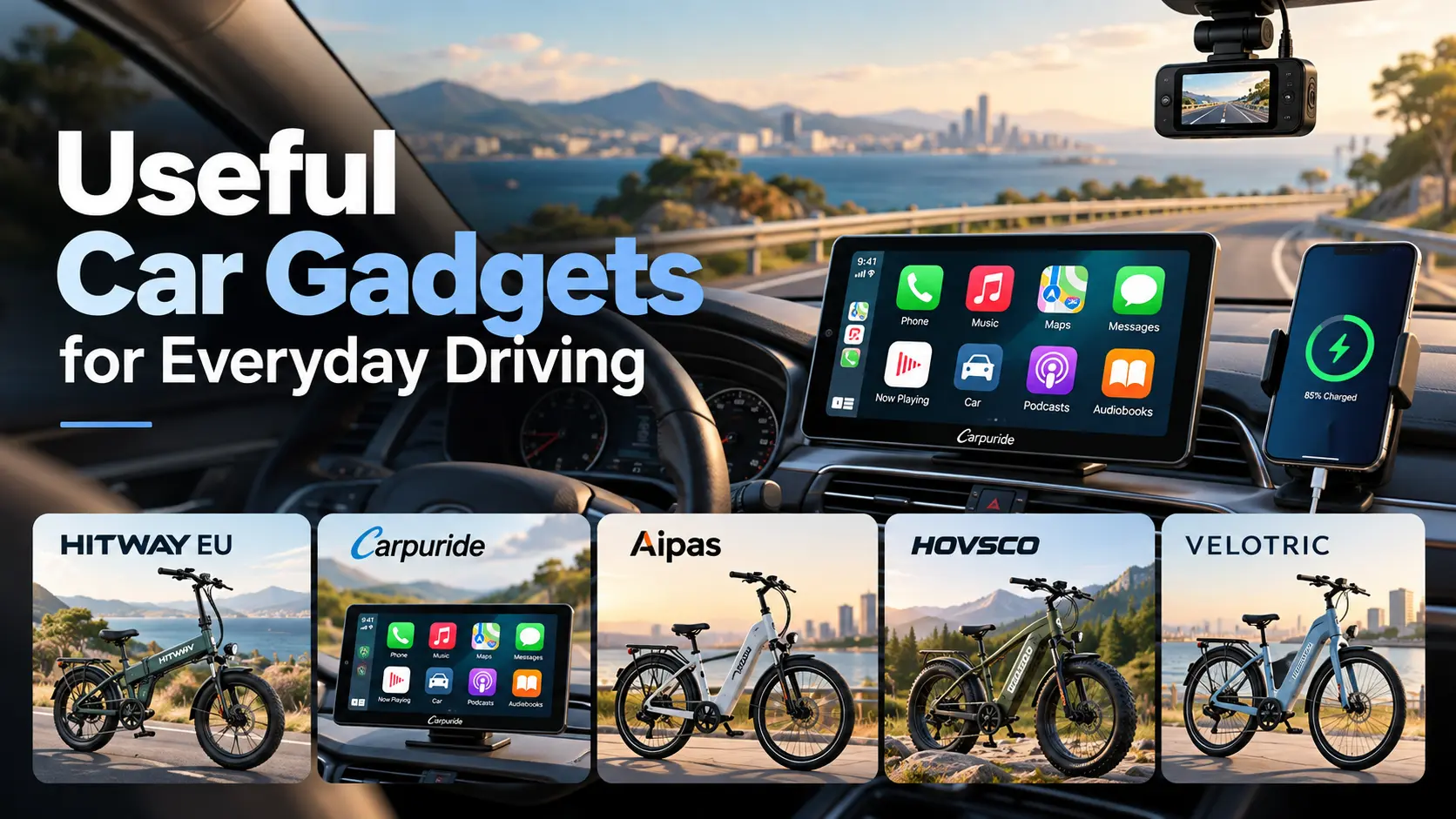
Most car gadgets promise convenience and end up in a glovebox drawer. The useful ones solve a specific, repeating problem: navigating without fumbling with your phone, proving what happened in a minor collision, catching a slow tire leak, or restarting a dead battery in a parking lot.
This guide sorts car gadgets by the problem they solve, so you can skip the gimmicks and buy only what fits how you actually drive.
Affiliate Disclosure: Some links in this article are affiliate links. If you purchase through these links, Weekend Smash may earn a commission at no additional cost to you.
At a Glance: Which Car Gadgets Are Worth Buying?
- Want safer navigation and calls: a CarPlay or Android Auto screen, or a wireless adapter if your car already has the wired version.
- Want protection after an incident: a dash cam with loop recording and a reliable memory card.
- Want fewer roadside surprises: a portable tire inflator, a tire pressure gauge, and a compact jump starter.
- Want to understand a warning light: a Bluetooth OBD-II scanner.
- Want a tidier cabin: a USB-C car charger and a trunk organizer.
How to Tell a Useful Gadget From Clutter
Ask four questions before you buy anything:
- Does it fix a problem I have every week, or one I might have someday? Daily problems justify more spending. Emergency gear is the exception, since the whole point is being ready.
- Will it work with my car and phone? Compatibility is the most common reason for returns. Check your model year, your phone, and any connector or voltage requirements.
- Does it reduce distraction or add to it? A gadget that needs constant tapping while you drive defeats the purpose. The National Highway Traffic Safety Administration treats distracted driving as a serious safety issue, so setup should happen while parked.
- Can I install it myself, and will I? A hardwired dash cam or an in-dash upgrade may need tools or a professional.
Useful Car Gadgets by Problem
Navigation and Phone Use
If your car has no built-in navigation or smartphone integration, this is the upgrade you will notice most. Apple CarPlay and Android Auto put maps, music, messages, and calls on the car’s screen in a driving-friendly layout, so you handle your phone less.
You have three practical routes:
- A phone mount. The cheapest option. It keeps the phone visible but still relies on the phone’s own interface.
- A wireless adapter. Useful if your car already supports wired CarPlay or Android Auto and you want to stop plugging in.
- A separate CarPlay screen. Suits cars that have no smartphone integration at all. We cover this in detail in the next major section.
Mounting rules vary by location. Some jurisdictions restrict what can be attached to the windshield, and many limit handheld phone use. The Governors Highway Safety Association keeps a state-by-state overview of phone laws, so check yours before choosing a mount position.
Dash Cams
A dash cam records the road ahead (some also record the rear or the cabin). It is most useful for clarifying what happened in a collision, a disputed claim or a hit-and-run in a parking lot.
Features worth caring about:
- Loop recording, so the card overwrites old footage automatically.
- A G-sensor, which locks footage when it detects an impact so it is not overwritten.
- Reliable storage. Use a memory card rated for continuous recording, and replace it periodically.
- Parking mode. This usually needs a hardwire kit, and it should have a voltage cutoff so it does not drain the battery.
Check local laws on windshield placement and on recording audio or video before you install one.
Tire Pressure and Inflation
Under-inflated tires wear faster, affect handling, and can be unsafe. Most modern cars have a built-in tire pressure monitoring system (TPMS) that warns you once pressure drops significantly, but it is not a substitute for checking pressure manually.
A simple digital pressure gauge and a 12V portable inflator cover most slow leaks. Find the correct pressure on the sticker in the driver’s door jamb or in the owner’s manual, not on the tire sidewall. NHTSA publishes tire-safety guidance explaining this.
Dead Batteries
A portable lithium jump starter is more convenient than jumper cables because you do not need a second car. Match its rated capacity to your engine size (a large diesel needs more than a small petrol hatchback), and recharge it every few months, since an empty jump starter is useless.
Warning Lights
An OBD-II scanner plugs into your car’s diagnostic port and reads trouble codes when the check-engine light comes on. In the US, OBD-II has been standard on passenger cars since the 1996 model year. Many affordable scanners pair with a phone app.
It will not repair anything. It tells you whether the problem is a loose fuel cap or something that needs a mechanic, so you walk into the garage better informed.
Charging and Organization
Small upgrades add up on a daily commute:
- A USB-C car charger with enough output for your phone, if your car only has older USB-A ports.
- A trunk organizer to stop groceries and emergency gear sliding around.
- A compact first-aid kit and a flashlight that stay in the car.
None of these are exciting, but they are the ones people actually use.
Adding CarPlay or Android Auto to a Car Without It
Many cars on the road were built before smartphone integration became standard. The usual fix is to replace the factory head unit, which can be expensive and, in some cars, awkward. A separate screen that adds CarPlay and Android Auto is an alternative worth understanding.
Quick answer: Yes, you can add CarPlay or Android Auto to an older car. Options include replacing the stereo, fitting a standalone smart screen, or adding a wireless adapter if your car already supports the wired version.
Carpuride is a brand that sells CarPlay and Android Auto smart screens for cars and motorcycles. For cars, its range is organized by screen size (7, 9, 10 and 12-inch, plus a series for larger vehicles) and by features, including app-enabled Plus models, dual-Bluetooth Pro models, models with a built-in dash cam function and double-DIN options. The brand also sells car accessories. Explore Carpuride’s car smart stereo range to compare screen sizes and features.
Who This Kind of Upgrade Suits
- Drivers of older cars with no navigation or smartphone integration.
- People whose factory screen is small or slow and who want a clearer display.
- Drivers who want navigation and a dash cam function in one device instead of two.
What to Check Before You Buy
- Vehicle fit and mounting. Confirm the screen suits your dashboard and mounting space. Check each product page for requirements.
- Power and wiring. Know where the screen will draw power and how cables will be routed.
- Phone compatibility. Check which phones and software versions are supported.
- Visibility. A screen that blocks vents, controls, or your view of the road is a bad trade.
- Local rules. Placement and use of screens while driving are regulated in many places.
- Support and returns. Read the brand’s warranty, shipping, and return policies before ordering.
If you only need to stop plugging your phone in, a smaller wireless adapter may be a cheaper fix. A screen is the better choice when the car has nothing to build on.
Quick Comparison: Which Gadget Solves Which Problem?
Common Mistakes When Buying Car Gadgets
- Buying before checking compatibility. Model year, connector type, and phone support matter.
- Choosing by price alone. Cheap memory cards, chargers, and cables are common weak points.
- Skipping installation planning. Loose cables near pedals or airbags are a safety problem.
- Fiddling while driving. Set up any gadget while parked.
- Forgetting upkeep. Jump starters need recharging, and dash cam cards wear out.
- Buying five gadgets at once. Start with the one that fixes your most frequent problem.
A Short Checklist Before You Buy
- I can describe the specific problem this gadget solves.
- I have confirmed it works with my car and phone.
- I know how it will be powered and mounted.
- It does not block my view or any controls.
- I have read the return and warranty policy.
- I know my local rules on mounting, recording, and screen use.
Frequently Asked Questions
What car gadgets are actually worth buying?
For most drivers: a way to use maps and calls hands-free (a mount, adapter or CarPlay screen), a tire gauge and inflator, a jump starter and, if your driving or parking situation justifies it, a dash cam.
Can I add CarPlay to an older car?
Usually, yes. You can replace the head unit, fit a standalone smart screen or, if the car already supports wired CarPlay, add a wireless adapter. Check compatibility for your specific car first.
Do dash cams drain the car battery?
A dash cam that only runs while the engine is on does not. Parking mode draws power while the car is off, so it should be used with a hardwire kit that has a voltage cutoff.
What does an OBD2 scanner tell me?
It reads diagnostic trouble codes stored by the car’s computer, which helps you identify why a warning light came on. It diagnoses; it does not repair.
Is a portable jump starter better than jumper cables?
It is more convenient because you do not need another vehicle, but it must be kept charged and sized for your engine. Cables are cheap and reliable but need a second car.
What should I keep in my car for emergencies?
A tire gauge and inflator, a jump starter, a flashlight, a basic first-aid kit, and a phone charger are a sensible start.
Are screens and phone mounts legal to use while driving?
Laws differ by country and state. Many places restrict windshield mounts and handheld phone use. Check your local regulations.
Final Thoughts
The best car gadgets are the ones that quietly solve a problem you face every week. Start with your most frequent frustration, confirm compatibility and set it up while parked. If the real gap is smartphone navigation in an older car, browse the available Carpuride options alongside other routes such as adapters and mounts before choosing.
Recent Blogs
-
Practical Car Accessories for Long-Distance Travel
Discover practical car accessories for long-distance travel, from tire inflators and emergency kits to phone mounts, chargers, and portable CarPlay screens. Learn what’s worth buying for a safer, more comfortable road trip.
-

Road Trip Essentials for a Comfortable Drive
Prepare for a more comfortable road trip with essential car safety checks, emergency supplies, travel comfort tips, and smart navigation gear. Discover what to pack, how to stay alert, and optional gadgets for exploring your destination.
-
Best Car Care Products for Maintaining Your Vehicle
Discover the best car care products for cleaning, protecting, and maintaining your vehicle. Learn which essentials are worth buying, avoid common mistakes, and keep your car looking great while supporting long-term performance.
-
Useful Car Gadgets for Everyday Driving
Discover useful car gadgets for safer, easier everyday driving, from dash cams and tire inflators to jump starters and CarPlay screens. Find practical upgrades that fit your car, budget, and driving needs.
-
Essential Car Accessories Every Driver Should Consider
Discover essential car accessories every driver should consider, from safety kits and jump starters to phone mounts, dash cams, and CarPlay upgrades.